SqlBak Blog

[JR-STATUS:520] Job completed, but result not yet received by dashboard. Waiting for application data.

If you received the following error: [JR-STATUS:520]. Job completed, but result not yet received by dashboard. Waiting for application data. This means that the backup job itself completed, but its final result did not fully reach the SqlBak dashboard on sqlbak.com. SqlBak is designed to continue working even without a connection to sqlbak.com. However, in … Read more

Integrating SqlBak with Zabbix: monitoring and backup execution

SqlBak has an API that allows it to integrate with other applications and services. This article explains how to integrate SqlBak and Zabbix. Sending job results to Zabbix 1. Export the template to Zabbix. It contains items for job results (status, date, backup type). Create a JSON file with the following content: { “zabbix_export”: { … Read more

SqlBak Documentation

Documentation for the SqlBak product is currently under development. We apologize for any inconvenience.

While the documentation is being finalized, you can reach out to us through our support service, and we will strive to respond to your inquiry within a few hours.

Below is a list of articles from our blog where you can find useful materials on using SqlBak:
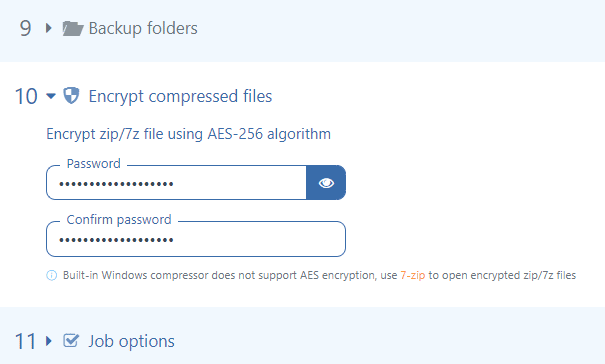
Read more

How to enable script execution in SqlBak

SqlBak enables the execution of SQL scripts and Windows batch scripts within backup or maintenance jobs. By default, script execution is disabled for security reasons. When attempting to add a script to a job, an error message may appear:

Execution of <script type> is prohibited. To allow script execution, please enable the corresponding option in the SqlBak App security settings.

Read more

SqlBak Best Practice Guide

This guide contains recommendations for setting up a SqlBak backup job. This information has been developed and collected over years of interaction with SqlBak users. There will be no theory and formulas, only practical advice.

Note that these practices are not the only solutions. They are suitable in most cases, but can be fundamentally wrong under various circumstances.

Let’s consider the steps that are used to set up a backup job.

Read more